Mobile Mockup 3D Rendering: Transforming Digital Design from Concept to Confidence
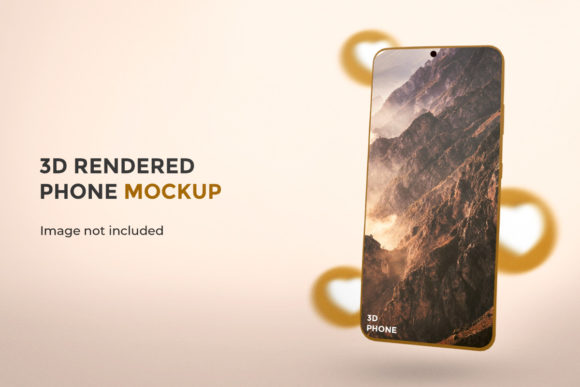
Mobile Mockup 3D Rendering is more than a visual enhancement—it’s a strategic bridge between abstract ideas and tangible user experiences. Unlike flat, static screenshots or basic wireframes, this technique places digital interfaces—apps, websites, dashboards, onboarding flows—into photorealistic, spatially accurate representations of real-world devices. A rendered iPhone floating mid-air with soft shadows, subtle screen glare, and contextual lighting isn’t just eye-catching; it communicates intention, scale, context, and usability in a single frame. For designers, developers, marketers, educators, and product teams alike, Mobile Mockup 3D Rendering has evolved from a “nice-to-have” polish into an essential part of the design communication toolkit.
How It Differs From Traditional Mockups—and Why That Matters
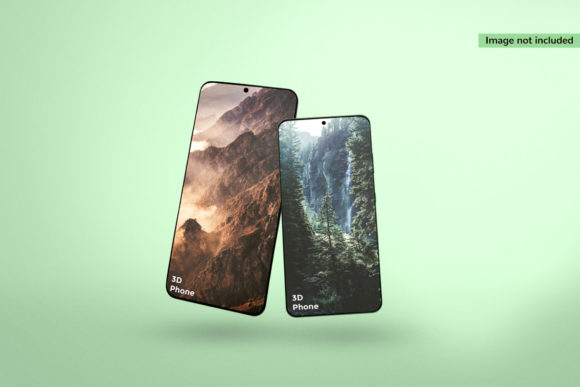
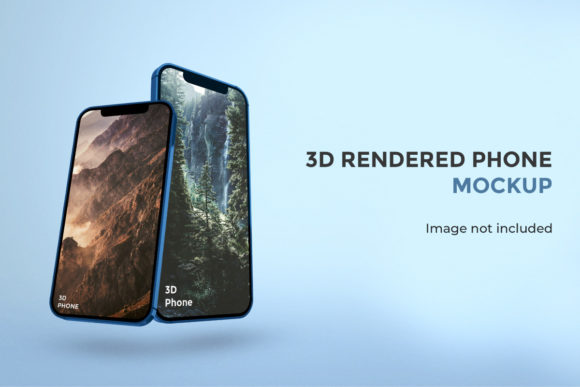
Traditional mockups typically rely on 2D overlays: a PNG of an app interface placed inside a device silhouette. These lack depth perception, material realism, and environmental integration. In contrast, Mobile Mockup 3D Rendering uses polygonal modeling, physically based rendering (PBR) materials, dynamic lighting, and camera physics to simulate how light interacts with glass, aluminum, matte plastics, and screen emissivity. The result is a representation that feels grounded—not just “on” a phone, but *in* a space.
This distinction carries practical weight. When presenting a new fintech dashboard to non-technical stakeholders, a 2D mockup may convey layout—but a 3D-rendered version shows how the interface behaves under ambient office lighting, how text legibility holds up against reflective surfaces, and how the device’s curvature affects edge visibility. Researchers studying interface perception have observed that viewers assign higher credibility and perceived polish to designs presented via realistic 3D contexts—especially when evaluating usability at a glance.
Real-World Applications Across Diverse Roles
The versatility of Mobile Mockup 3D Rendering emerges most clearly when examining how different professionals integrate it into their workflows—not as decoration, but as functional communication infrastructure.
- Product Managers use it to align engineering and marketing before development begins. A single high-fidelity render of a redesigned checkout flow on an iPhone 15 Pro—shown alongside a corresponding Android Pixel 8 variant—helps surface early questions about responsive behavior, touch target sizing, and cross-platform consistency.
- Educators and Trainers embed these renders into course materials to teach UI principles without requiring students to install emulators or physical devices. A 3D-rendered sequence showing progressive disclosure in a health-tracking app—where tapping a metric expands a live chart with smooth parallax—makes interaction patterns instantly legible, even for learners unfamiliar with native platform conventions.
- Small Business Owners leverage pre-built 3D templates to showcase custom mobile tools—like a restaurant’s reservation app or a local gym’s class scheduler—on social media or investor decks. Because the output looks indistinguishable from a photo of a real device in use, conversion rates for landing pages featuring Mobile Mockup 3D Rendering consistently outperform those using generic stock imagery.
- Hobbyist Developers use accessible tools like Blender with mobile device asset libraries or browser-based renderers to validate interface hierarchy. Rotating a 3D model while toggling between light/dark mode reveals contrast issues invisible in flat previews—such as subtle icon blending against a dark navbar on an OLED screen.
- Academic Researchers employ controlled 3D renders in eye-tracking studies. By fixing variables like device angle, lighting direction, and background texture, they isolate how interface elements draw attention—enabling reproducible experiments on visual salience that would be impossible with variable smartphone hardware and real-world lighting conditions.
Technical Foundations Without the Jargon
Creating effective Mobile Mockup 3D Rendering doesn’t require mastery of complex CGI pipelines—though deep expertise certainly helps. At its core, the process rests on three interlocking components:
- Accurate Device Geometry: Modern smartphones have nuanced physical traits—beveled edges, camera cutouts with precise depth offsets, curved display insets, and varying bezel thicknesses. High-quality 3D models reflect these details, not as approximations, but as measurable, scalable assets. A render of a Samsung Galaxy S24 Ultra must account for its titanium frame’s micro-texture and the exact radius of its ultrasonic fingerprint sensor housing.
- Dynamic Lighting Simulation: Light defines realism. A well-lit render uses HDRI (High Dynamic Range Imaging) environments to replicate natural or studio lighting. This means reflections behave authentically—the glow of a notification badge appears subtly distorted across the curve of a device’s front glass, and ambient occlusion darkens corners where the screen meets the chassis.
- Screen Integration Logic: The interface layer isn’t just pasted on top. Advanced setups use emissive shaders that treat the screen as a self-illuminating surface. This allows for realistic brightness falloff, subtle bloom around bright UI elements, and even simulated screen glare when viewed at oblique angles—critical for assessing readability in varied usage scenarios.
These aren’t theoretical ideals. Open-source libraries like Device Frames and commercial platforms such as Mockuuups Studio and Smartmockups bake these principles into intuitive interfaces—letting users drag-and-drop designs onto rigorously modeled devices, adjust lighting with sliders, and export production-ready PNGs or animated MP4s in seconds.
Strategic Advantages Beyond Aesthetics
While visual appeal is immediate, the deeper value of Mobile Mockup 3D Rendering lies in its capacity to reduce ambiguity, accelerate decisions, and preempt misalignment.
Consider a team building an accessibility-first navigation app for low-vision users. A 2D mockup might show enlarged tap targets and high-contrast colors—but only a 3D render, viewed under simulated indoor lighting with lens flare, reveals whether the bold white labels on a navy background create uncomfortable glare on a sunlit patio. That insight isn’t speculative; it’s observable, shareable, and actionable before writing a line of code.
Similarly, when pitching a B2B SaaS tool to enterprise clients, a 3D-rendered tablet interface shown resting on a conference table beside a notebook and coffee cup conveys professionalism and context far more effectively than a cropped screenshot. Decision-makers subconsciously assess not just functionality, but fit—how seamlessly the tool integrates into existing workflows and physical environments.
Even in documentation, Mobile Mockup 3D Rendering improves comprehension. API reference guides that illustrate request/response flows inside rendered mobile views help developers visualize data transformation end-to-end—turning abstract JSON structures into concrete UI outcomes.
Practical Considerations for Adoption
Despite its growing accessibility, thoughtful implementation matters. Here are key considerations grounded in real-world usage:
- Resolution and Output Intent: A render optimized for a retina-display website banner needs different anti-aliasing and DPI handling than one destined for print in a pitch deck. Always match export settings to final medium—oversampling for web can inflate file size unnecessarily, while undersampling for large-format prints introduces visible pixelation.
- Consistency Across Platforms: When showcasing iOS and Android versions side-by-side, ensure lighting, background, and viewing angle are identical. Inconsistent staging undermines comparative analysis and dilutes messaging.
- Performance Trade-offs: Real-time 3D preview tools offer speed but sometimes sacrifice material fidelity. For critical stakeholder reviews—especially with hardware partners or regulatory submissions—offline rendering with longer compute times often yields more trustworthy results.
- Accessibility of the Render Itself: Remember that the render is a representation, not the interface. Always pair visual outputs with descriptive alt text, semantic HTML markup if embedded digitally, and plain-language summaries of interactions depicted—ensuring the communication remains inclusive.
Emerging Trends Shaping the Future
Mobile Mockup 3D Rendering is evolving beyond static presentation. Several trends signal deeper integration into design ecosystems:
First, interactive 3D mockups are gaining traction—where users rotate, zoom, and even trigger micro-interactions (e.g., swiping through a carousel or toggling a dark mode switch) directly within the render. These are no longer limited to WebGL-heavy implementations; lightweight frameworks now enable smooth performance even on mid-tier mobile browsers.
Second, context-aware rendering is expanding. Instead of generic office or café backdrops, tools increasingly support geotagged lighting simulation—matching time-of-day and latitude to generate realistic outdoor shadows—or integrate AR anchors so renders can be overlaid onto physical spaces via smartphone cameras during client walkthroughs.
Third, AI-assisted generation is streamlining iteration. Some platforms now accept Figma links or Sketch files and auto-generate matching 3D scenes—including plausible environmental lighting and contextual props—cutting setup time from minutes to seconds, while preserving brand-aligned color grading and device selection logic.
None of these advancements replace human judgment—they amplify it. A designer still decides which interaction to highlight, which lighting scenario best reflects typical usage, and how much realism serves clarity versus distraction. Mobile Mockup 3D Rendering, at its best, remains a tool rooted in intention—not automation for its own sake.
Getting Started Thoughtfully
Begin small. Choose one recurring communication pain point—a weekly sprint demo, a client feedback loop, or internal documentation—and apply Mobile Mockup 3D Rendering there first. Use free or trial versions of trusted tools. Import a current interface design. Select a single device, one lighting preset, and a neutral background. Export. Compare it side-by-side with your previous 2D version. Notice where clarity improved, where assumptions were challenged, and where stakeholders asked sharper questions.
Over time, refine based on feedback—not just “does it look good?” but “what did this help you understand faster?” That shift in focus—from aesthetics to insight—is the hallmark of mature Mobile Mockup 3D Rendering practice. It transforms pixels on a screen into shared understanding, and shared understanding into better decisions, faster.