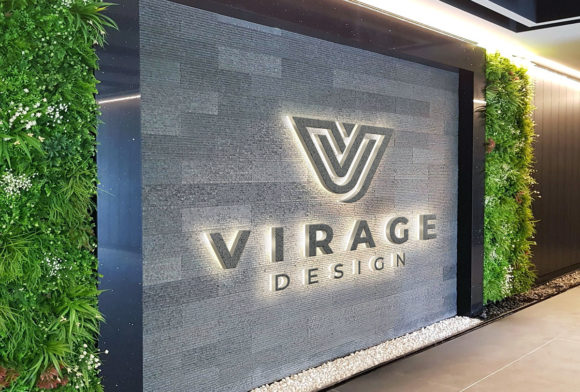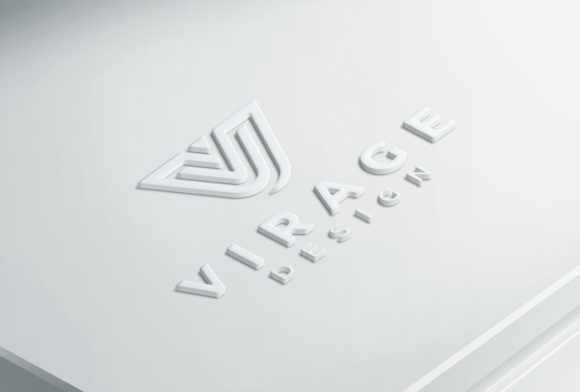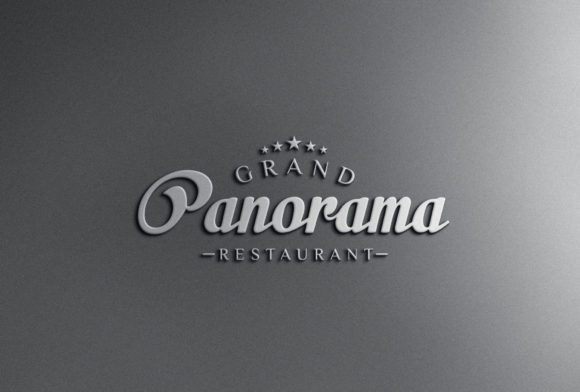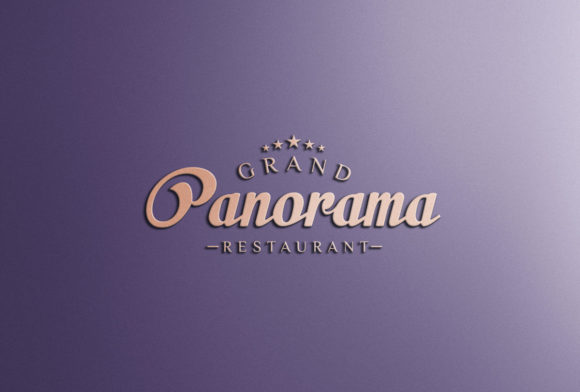
Logo Mockup - 3D Rose Gold Logo Signage
A Logo Mockup - 3D Rose Gold Logo Signage is a high-fidelity digital template that renders your flat logo design as a photorealistic, three-dimensional metallic sign—specifically in rose gold finish—with accurate lighting, depth, shadows, and surface texture. It’s not a design tool or a font; it’s a presentation asset used to visualize how a logo would appear as a physical signage element—on storefronts, office lobbies, reception desks, or branded event backdrops. Its value lies in bridging the gap between concept and tangible impression—before fabrication begins, before client approval is locked in, and before marketing assets are rolled out.
Where It Fits in Your Creative or Business Workflow
This mockup doesn’t exist in isolation. It slots into multiple phases of real-world execution—often more than once. Early on, it helps refine logo legibility and proportion: if your wordmark looks cramped or unbalanced when rendered in 3D rose gold with realistic beveling and reflection, you’ll spot it instantly—not after a $2,000 metal sign is installed. Mid-process, it serves as a persuasive client deliverable: stakeholders respond more confidently to a logo that “lives” in context rather than floats on a white background. Later, it supports cross-functional alignment—marketing teams use it for campaign mood boards, interior designers reference it when specifying wall finishes, and web developers match accent colors from the rose gold tone to UI elements.
Unlike generic mockups, this variant carries specific material intelligence. Rose gold isn’t just a color—it’s a finish with warmth, reflectivity, and subtle pink-copper undertones that shift under different lighting. The 3D rendering captures how those qualities behave across angles and ambient conditions, making it useful for spatial planning (e.g., will the sign glare under recessed LED lighting?) and brand consistency audits (e.g., does the rose gold match your packaging foil stamp or website accent palette?).
Integration With Other Tools and Assets
You’ll typically bring your final vector logo (SVG or AI) into the mockup file—most versions are built for Adobe Photoshop (PSD) or Figma, with smart object layers or editable layers that preserve transparency and scale. No rasterization needed. That means you can swap logos rapidly across variants—same signage base, different brands—without rebuilding lighting or perspective. It also means compatibility depends less on software version and more on layer structure discipline: keep your source file clean, named, and non-destructively edited.
Pair it with color management tools like Adobe Color or Coolors to extract exact HEX, RGB, or Pantone values from the rose gold surface—not the flat swatch, but the rendered highlight, midtone, and shadow zones. This ensures consistency when specifying physical materials (e.g., anodized aluminum signage) or digital interfaces. Likewise, export layered PNGs with alpha channels so designers can composite the sign into architectural renderings (SketchUp, Lumion) or video backgrounds (Premiere Pro, After Effects) without matte lines or edge halos.
Practical Implementation Tips
Start with intention, not aesthetics. Ask: What decision does this mockup need to support? If it’s for a retail lease review, include surrounding context—glass façade, brick wall, or recessed niche—so the landlord visualizes fit and compliance. If it’s for internal stakeholder buy-in, add subtle environmental cues: soft office lighting, blurred desk clutter, or a shallow depth-of-field to suggest realism without distraction.
Control variables deliberately. Lighting angle, camera height, and background tone all influence perception. A low-angle shot makes signage feel monumental; eye-level suggests approachability. Use the same lighting preset across all brand applications—storefront, lobby, and trade show—to maintain tonal continuity. Avoid over-editing the output: don’t boost contrast or saturation post-render unless replicating a specific real-world condition (e.g., bright daylight vs. warm indoor ambiance).
Build reusable variations—not one-off files. Duplicate your base mockup and save versions for common use cases: “Daylight Flat Wall,” “Evening Recessed Lighting,” “Glass Reflection,” and “Minimalist White Studio.” Name them clearly and store them in a shared team folder with usage notes (e.g., “Use ‘Recessed Lighting’ for hospitality clients”). This cuts down on repetitive setup and enforces consistency across projects.
Preparation and Compatibility Considerations
Before inserting your logo, verify its technical readiness. Remove stray anchor points, expand strokes, and convert text to outlines. Ensure no embedded raster images or effects that won’t translate cleanly into the mockup’s smart object workflow. If your logo includes fine serifs or thin negative space, test at 100% scale in the mockup preview—rose gold’s reflective surface can blur delicate details if resolution or anti-aliasing isn’t optimized.
Check software requirements upfront. Some PSD versions rely on newer Photoshop features (e.g., Neural Filters for adaptive lighting), while Figma variants may require plugins for advanced layer blending. If you’re collaborating with external vendors (printers, fabricators, AV integrators), export flattened PNGs at 300 DPI for print specs or 72 DPI for digital decks—but always retain the layered source for future edits.
Efficiency, Quality Control, and Long-Term Use
Time saved comes not from faster rendering—but from fewer revision cycles. One well-chosen Logo Mockup - 3D Rose Gold Logo Signage can eliminate three rounds of “make it look more premium” or “show it on the actual wall.” Build quality control into your process: create a short checklist before finalizing any output—Is the logo centered? Is the rose gold tone consistent with brand guidelines? Are shadows cast realistically relative to light source direction? Does the file name include date, client, and variant (e.g., “Acme_RoseGold_Storefront_20240522.psd”)?
For long-term viability, treat the mockup as a living asset—not a disposable template. Update it when your brand evolves: swap in new logo lockups, adjust rose gold intensity to match updated color standards, or add new environment options as your business expands into new spaces (e.g., co-working lounges, pop-up kiosks, or vehicle wraps). Archive older versions with clear version notes so you can trace decisions—and justify them—months later during brand audits or vendor reviews.
Real-World Workflow Examples
- Freelance Designer Prepping a Pitch: Uses the mockup to generate three signage options—matte black background, warm wood panel, and frosted glass—then embeds them into a single PDF deck. Client selects the wood option, and the designer immediately shares the layered PSD with the fabricator, who uses the embedded dimensions and finish notes to quote accurately.
- Educator Building a Branding Module: Imports the mockup into Canva, replaces the logo with student-submitted designs, and exports animated GIFs showing how each logo behaves under changing light. Students learn about material perception, not just typography.
- Small Business Owner Launching a Café: Drops their logo into the mockup, prints the result at poster size, and tapes it beside the actual entrance wall. They observe how passersby glance at it, adjust height based on sightlines, then finalize placement before ordering fabrication.
Ultimately, the Logo Mockup - 3D Rose Gold Logo Signage works best when treated as a precision instrument—not a decorative flourish. It gains power through repetition, intention, and integration. Use it to test assumptions, align teams, reduce costly misalignment, and make confident decisions grounded in realistic context. When your logo appears in rose gold, three-dimensional form, it stops being an abstract mark and starts functioning as part of the environment—just as it should.